

Carding Forum
Professional
- Messages
- 2,788
- Reaction score
- 1,363
- Points
- 113
We remind you how to transfer money to a card through an ATM if a laptop and smartphone are not at hand
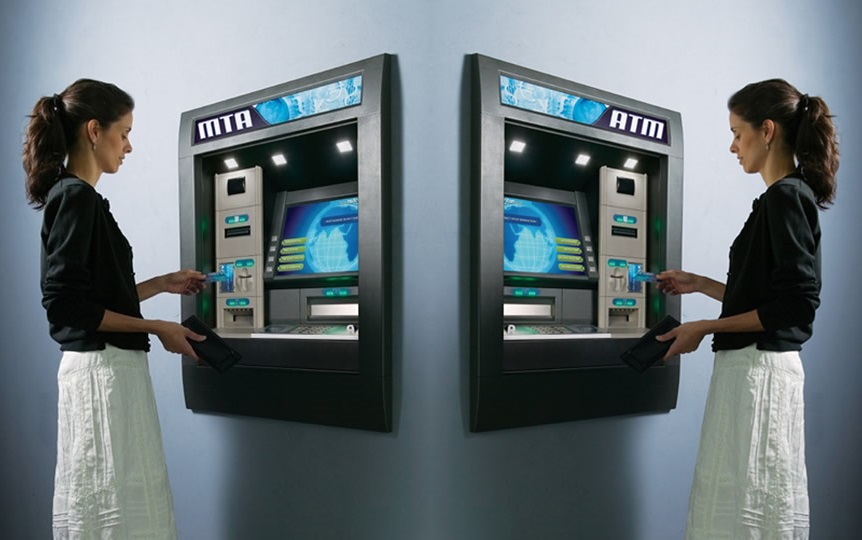
Transfers from card to card through an ATM.
Card-to-card transfers have long since migrated to browser and mobile apps. They can be found both on the websites of banks, postal services and even on the pages of Internet magazines.
However, not so long ago, in order to transfer money to someone, you had to look for the nearest ATM, or go to the bank. Editorial PaySpace Magazine offers to remember how to use one of the most popular online financial services with the ATM screen.
If both cards belong to resident individuals and are opened in national currency, there should be no problems. This transfer option is supported by many banks. Additionally, it will be necessary to clarify the possibility of debiting funds from corporate cards, transfers in favor of non-residents, as well as the possibility of converting currencies.
However, not all banks are ready to serve other people's clients. For example, PravexBank makes transfers only between the cards of its clients. Ukrsibbank does not support transfers with the participation of corporate cards, in favor of non-residents, as well as between card accounts in different currencies. On the contrary, PrivatBank can offer all of the above options in its ATMs.
B]How to transfer money to a card through an ATM - step by step instructions[/B]
Step # 1 - Insert your card into the ATM
Step # 2 - Go to the main menu
Step # 3 - Go to the "Transfer of funds" section. The section names may differ depending on the bank. Perhaps your ATM will offer "Payments and Funds Transfer" or "Money Transfer"
Step # 4 - Among the proposed options, find the item "transfer to the card"
Step # 5 - Enter the recipient's card number
Step # 6 - Specify the transfer amount and currency (if such an option is provided)
Step # 7 - Now you only need to confirm the payment. You don't have to enter your card details: all the details have already been transferred.
The money will be credited to the recipient's account almost instantly.
Transfers from card to card through an ATM.
Card-to-card transfers have long since migrated to browser and mobile apps. They can be found both on the websites of banks, postal services and even on the pages of Internet magazines.
However, not so long ago, in order to transfer money to someone, you had to look for the nearest ATM, or go to the bank. Editorial PaySpace Magazine offers to remember how to use one of the most popular online financial services with the ATM screen.
If both cards belong to resident individuals and are opened in national currency, there should be no problems. This transfer option is supported by many banks. Additionally, it will be necessary to clarify the possibility of debiting funds from corporate cards, transfers in favor of non-residents, as well as the possibility of converting currencies.
However, not all banks are ready to serve other people's clients. For example, PravexBank makes transfers only between the cards of its clients. Ukrsibbank does not support transfers with the participation of corporate cards, in favor of non-residents, as well as between card accounts in different currencies. On the contrary, PrivatBank can offer all of the above options in its ATMs.
B]How to transfer money to a card through an ATM - step by step instructions[/B]
Step # 1 - Insert your card into the ATM
Step # 2 - Go to the main menu
Step # 3 - Go to the "Transfer of funds" section. The section names may differ depending on the bank. Perhaps your ATM will offer "Payments and Funds Transfer" or "Money Transfer"
Step # 4 - Among the proposed options, find the item "transfer to the card"
Step # 5 - Enter the recipient's card number
Step # 6 - Specify the transfer amount and currency (if such an option is provided)
Step # 7 - Now you only need to confirm the payment. You don't have to enter your card details: all the details have already been transferred.
The money will be credited to the recipient's account almost instantly.