

Brother
Professional
- Messages
- 2,590
- Reaction score
- 544
- Points
- 113
Security professionals are skeptical about the concepts of “smart home” and “Internet of Things”. Manufacturers strive to collect more user data, which is fraught with leaks. Amazon recently sent 1,700 conversations from one user to the home assistant Alexa to the wrong address.
This is an isolated case, but Amazon keeps audio recordings on its servers, just like Google does. A home assistant like Amazon Echo and Google Home is a full-fledged bug that the user himself installs in the house, voluntarily agreeing to wiretap. So far there is no evidence that such devices record without uttering a trigger word, but technically nothing prevents them from doing so.
Project Alias aims to turn things around and take back control to the people.
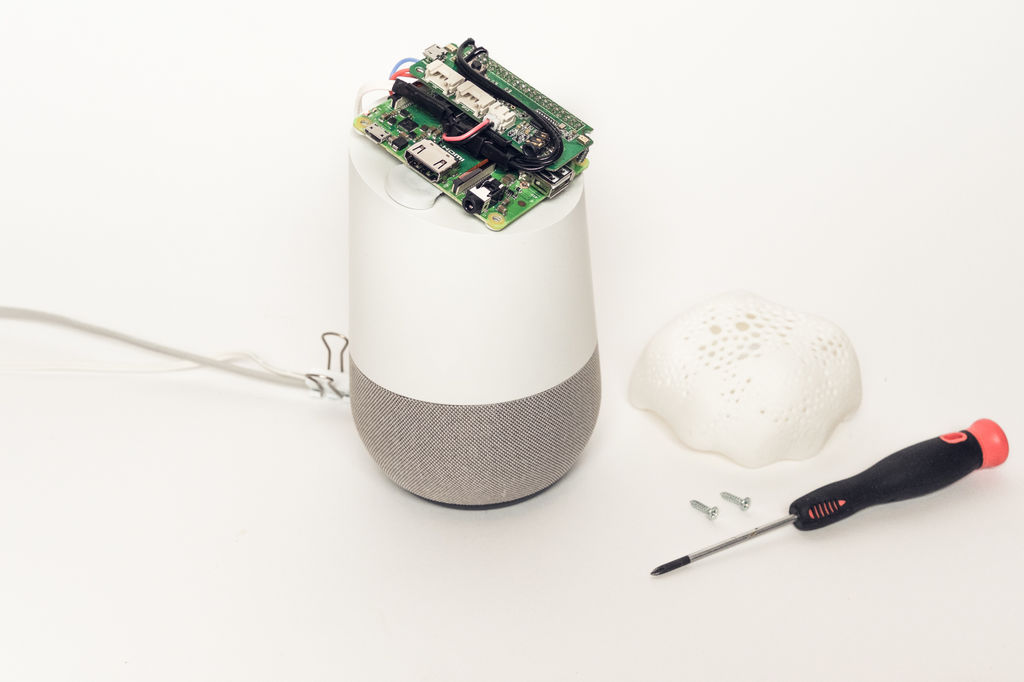
Project Alias is the technological equivalent of a parasitic fungus that lives on someone else's body. And this is a very useful "parasite" because it acts as a protector for its true owner, that is, a person. Alias blocks the transmission of information to Amazon and Google by drowning out the host microphones .
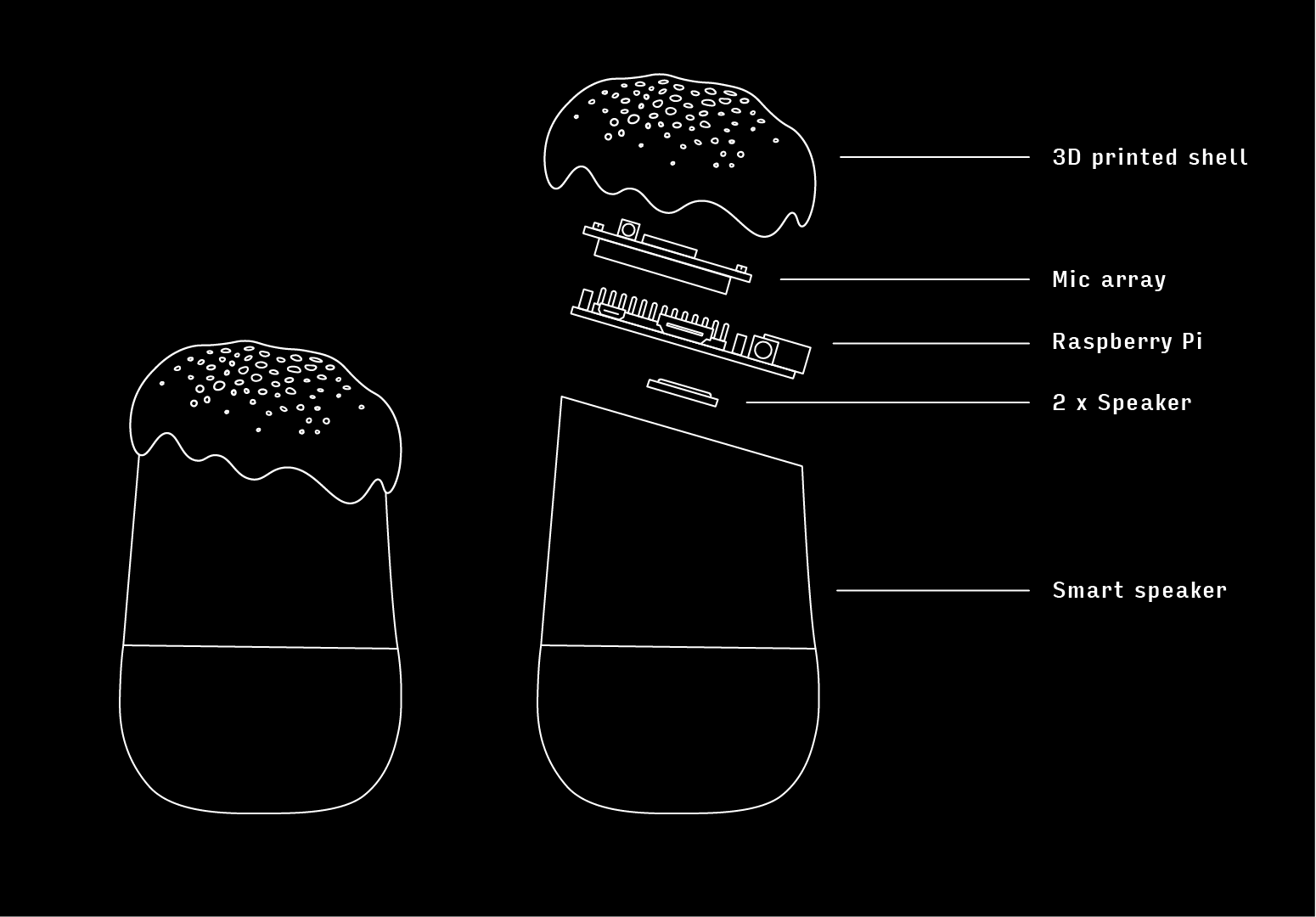
The assembly instructions are published on the Instructables website, and the program code is posted on Github .
To install you will need:
- single board computer with Raspbian operating system, Raspberry Pi A + is enough;
- ReSpeaker 2-Mics Pi HAT plug-in with microphones;
- Tiny Speaker 16mm speakers;
- Micro SD card, audio cable, wires and four screws;
- access to a 3D printer to print the cover and holder.
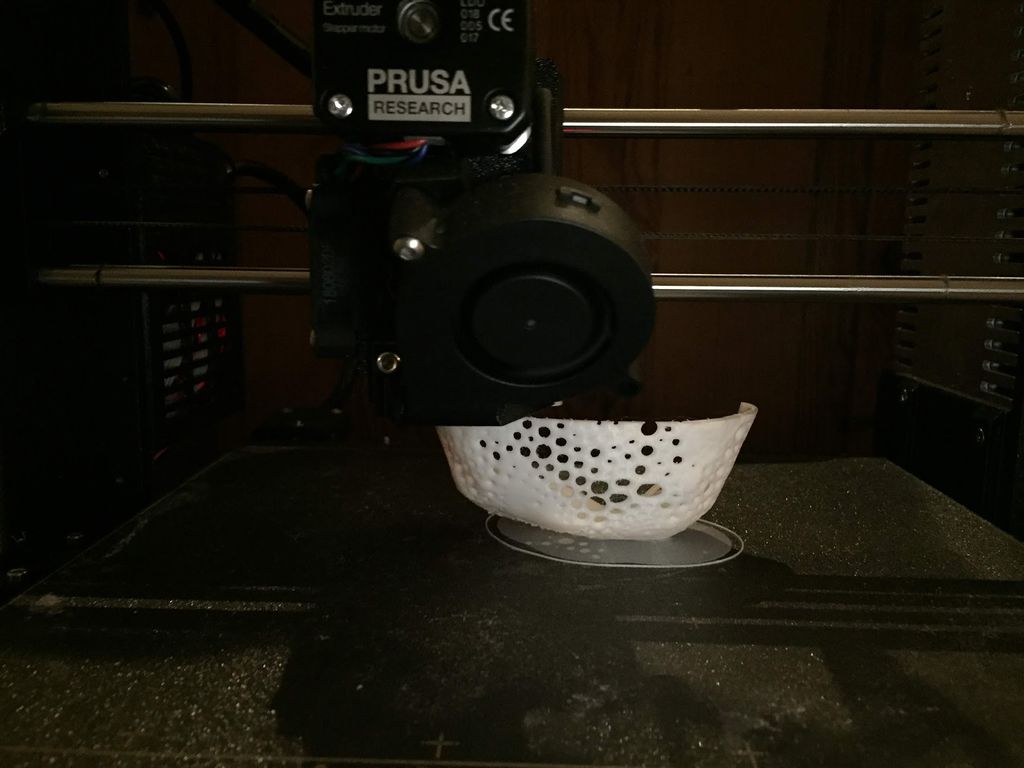
The network-published 3D models for cover Home the Google (stl) and Echo Amazon's (stl), and a 3D-model of the speaker holder (stl).
The next step is building Alias. It includes connecting speakers to the ReSpeaker module and connecting 5V power to the Raspberry Pi (solder directly to the GPIO).
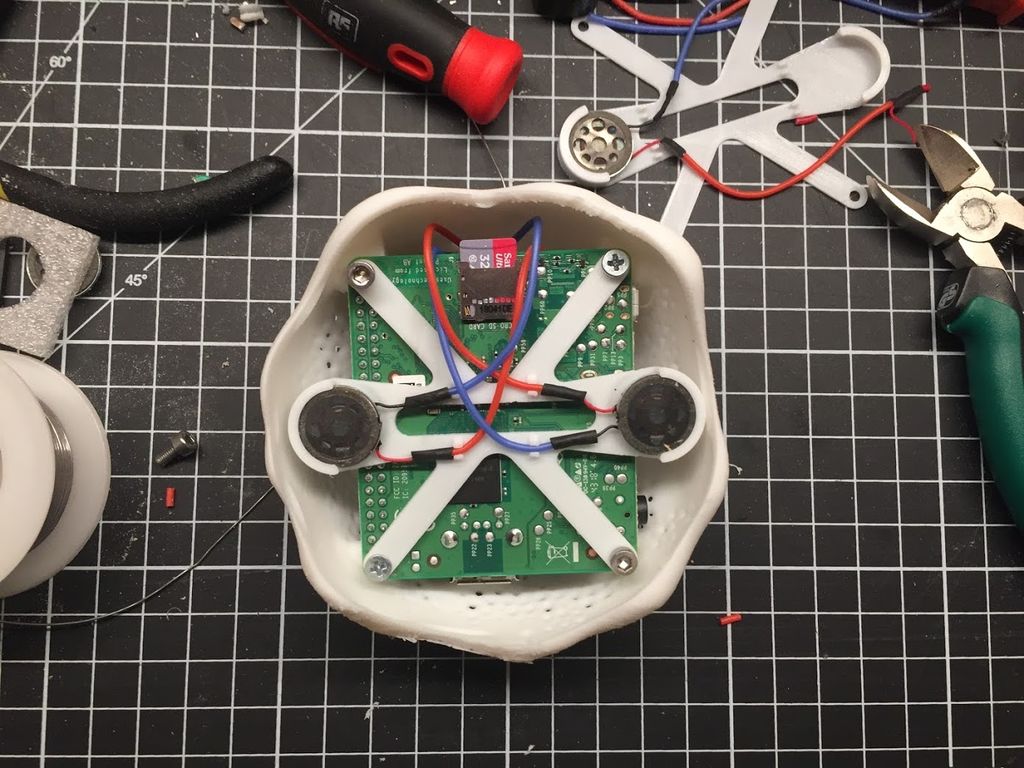
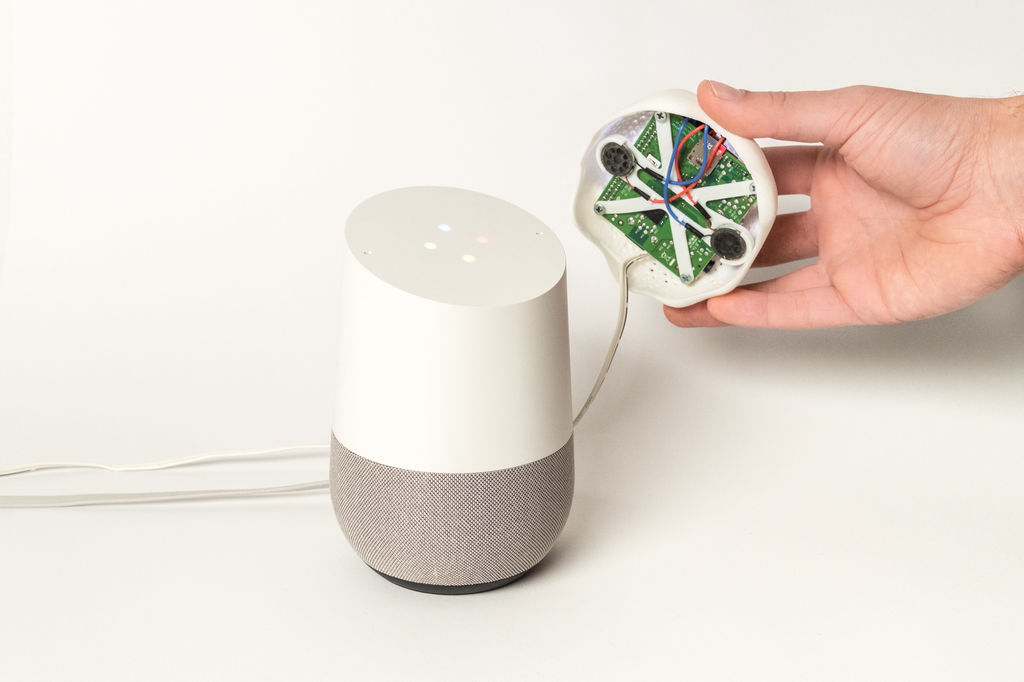
After the assembly, the program part begins:
- Download the latest version of Raspbian on micro SD.
- Copy the ssh and wpa_supplicant.conf files from the project folder, edit the latter according to your WiFi settings.
- Install sound driver for ReSpeaker.
Code:
cd && git clone https://github.com/respeaker/seeed-voicecard.git4. Install Tensorflow and Keras.
Code:
sudo apt-get install python3-dev python3-pip git libatlas-base-dev5. Install the rest of the required modules.
Code:
sudo apt-get install python3-numpy python3-spidev python-h5py6. Clone the Alias project.
Code:
git clone https://github.com/bjoernkarmann/project_alias.git7. Install the boot script and reboot the Raspberry Pi.
Then you need to train Alias to recognize your name, it can be arbitrary (any sound less than 2 s). The developers write that it is enough to write down the name on the phone 4-6 times and press the Train Alias button.
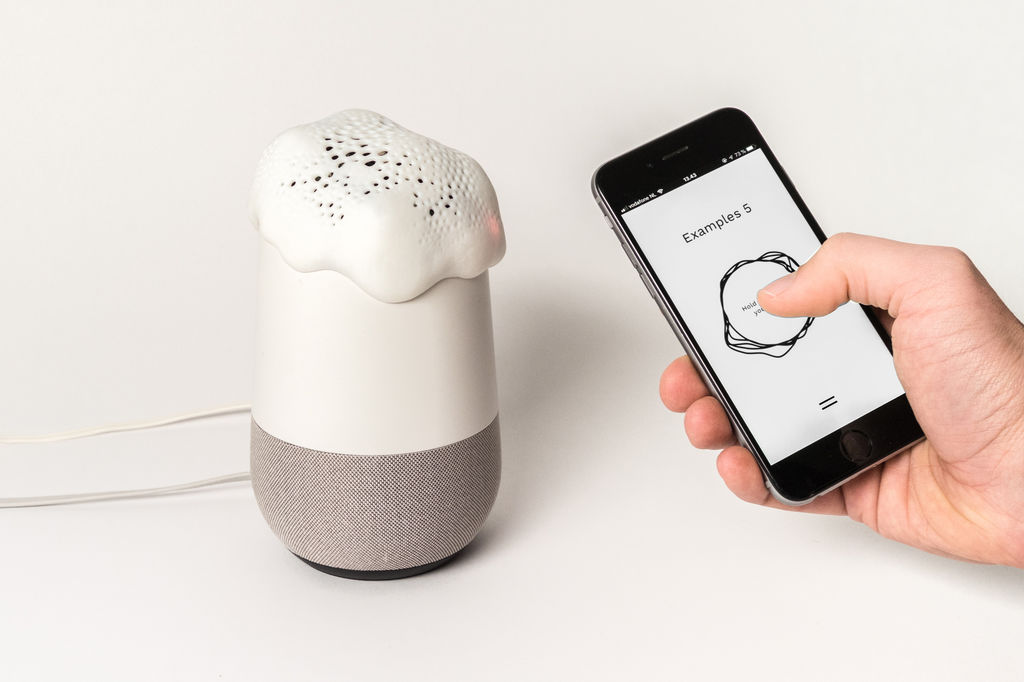
If desired, then the name can be changed.
And it's all. In the future, the Raspberry Pi performs speech recognition on its own, and the voice assistant no longer responds to the standard name (for example, Alexa) and does not send any data to the Google / Amazon cloud.
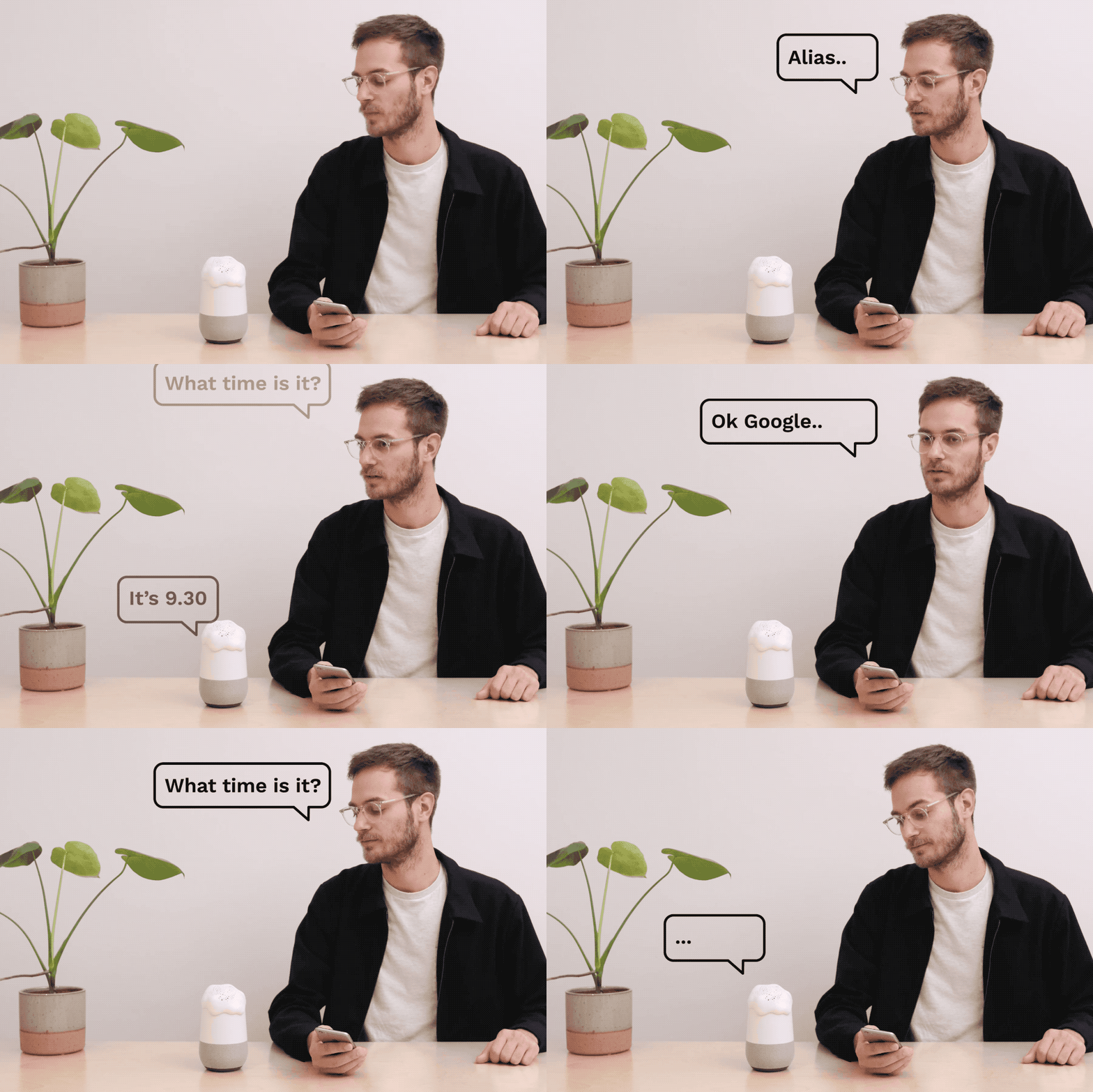
The authors of the project are Danish developers Bjorn Karmann and Tore Knudsen.
Manufacturers of such gadgets see the buyer as simply the user of the product, and not the true owner. Perhaps they will try, through lawyers, to prohibit the modification of gadgets, considering them their intellectual property. But according to the legislation of many countries, the purchased product becomes the complete property of the buyer, and he has the right to do whatever he wants with it.
Looking at this project, the question arises: why buy Amazon Echo and Google Home at all if speech recognition is performed on a Raspberry Pi with Tensorflow and Keras? Is that as a stand ...


