Friend
Professional
- Messages
- 2,671
- Reaction score
- 1,115
- Points
- 113
Today I want to share with you a way to search for ATMs without a chip reader.
On various carding forums you can find a lot of advice on how to search for such ATMs, but they all boil down to the fact that you need to run and search.
Let the youth run, it is very good for their health, so we will do this without leaving the computer and sipping morning coffee.
Of course, the method described in the article will not give you a 100% result, but it will reduce your running to a minimum.
So let's go.
We need the site https://www.visa.com/locator/atm
With its help, we can search for ATMs that work with the Visa payment service provider, but it also shows other useful things, such as working hours, PIN code change, voice assistant and many others, as well as the most important information for us is the existence or absence of a chip reader.
And so we go to the site and enter the city we are interested in. For example, I took London.
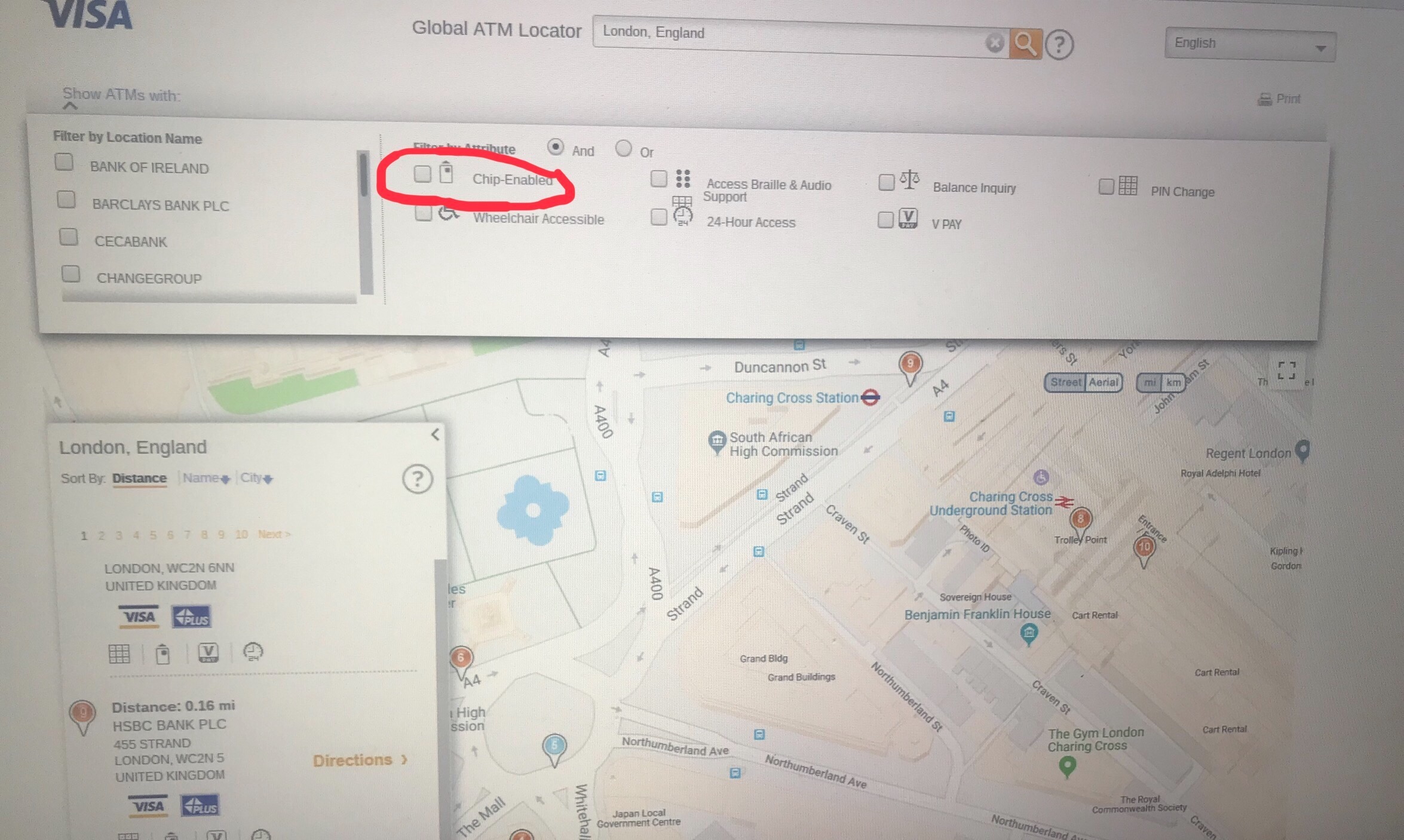
As you can see, there are filters on the top panel that you can use to search for ATMs, make sure they are disabled.
The map displays ATMs, if you hover your mouse over it, a hint window will appear, where all the functionality of the ATM will be indicated.
But I prefer to search in the left column.
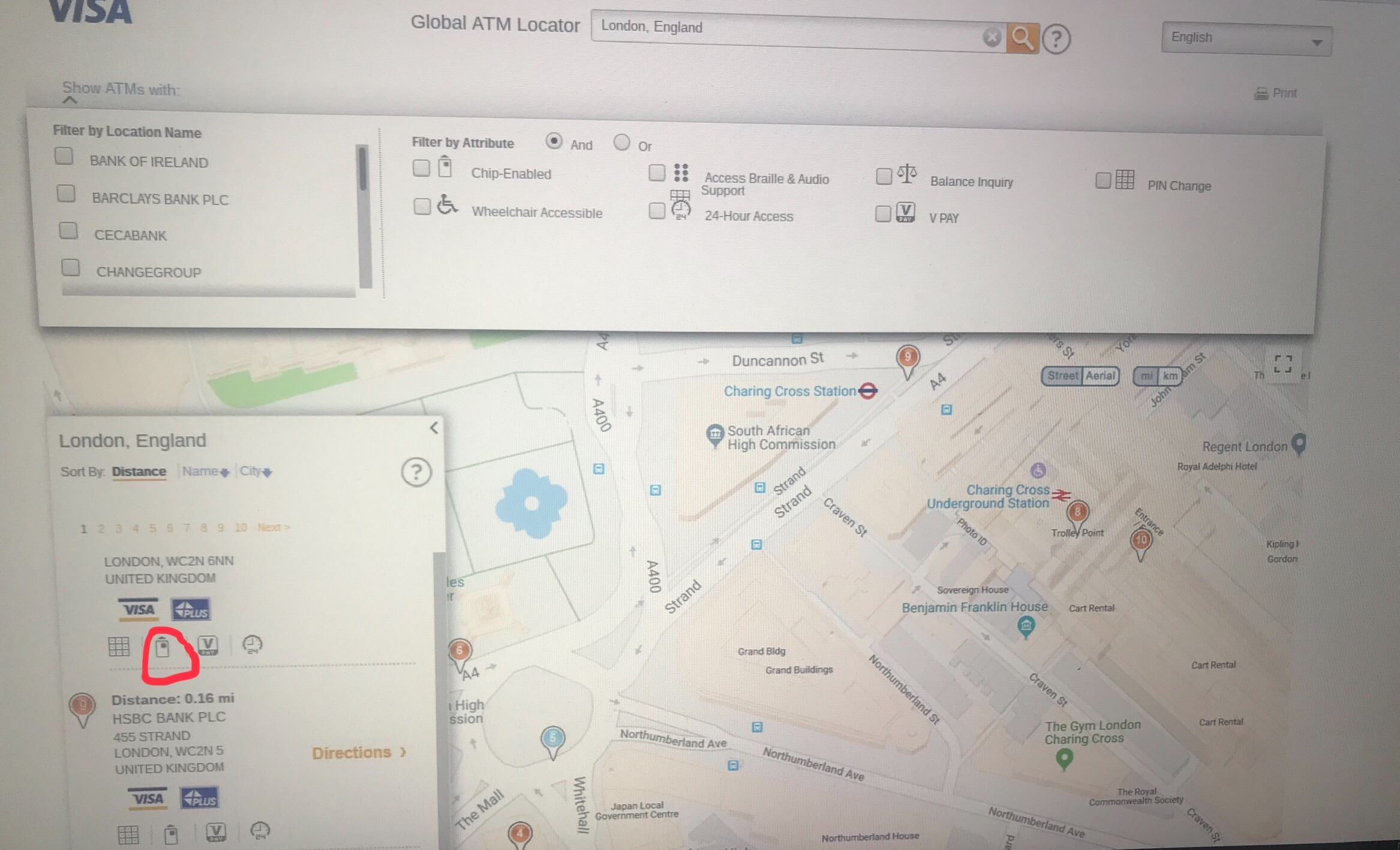
Here you can see that the ATM has a chip reader:
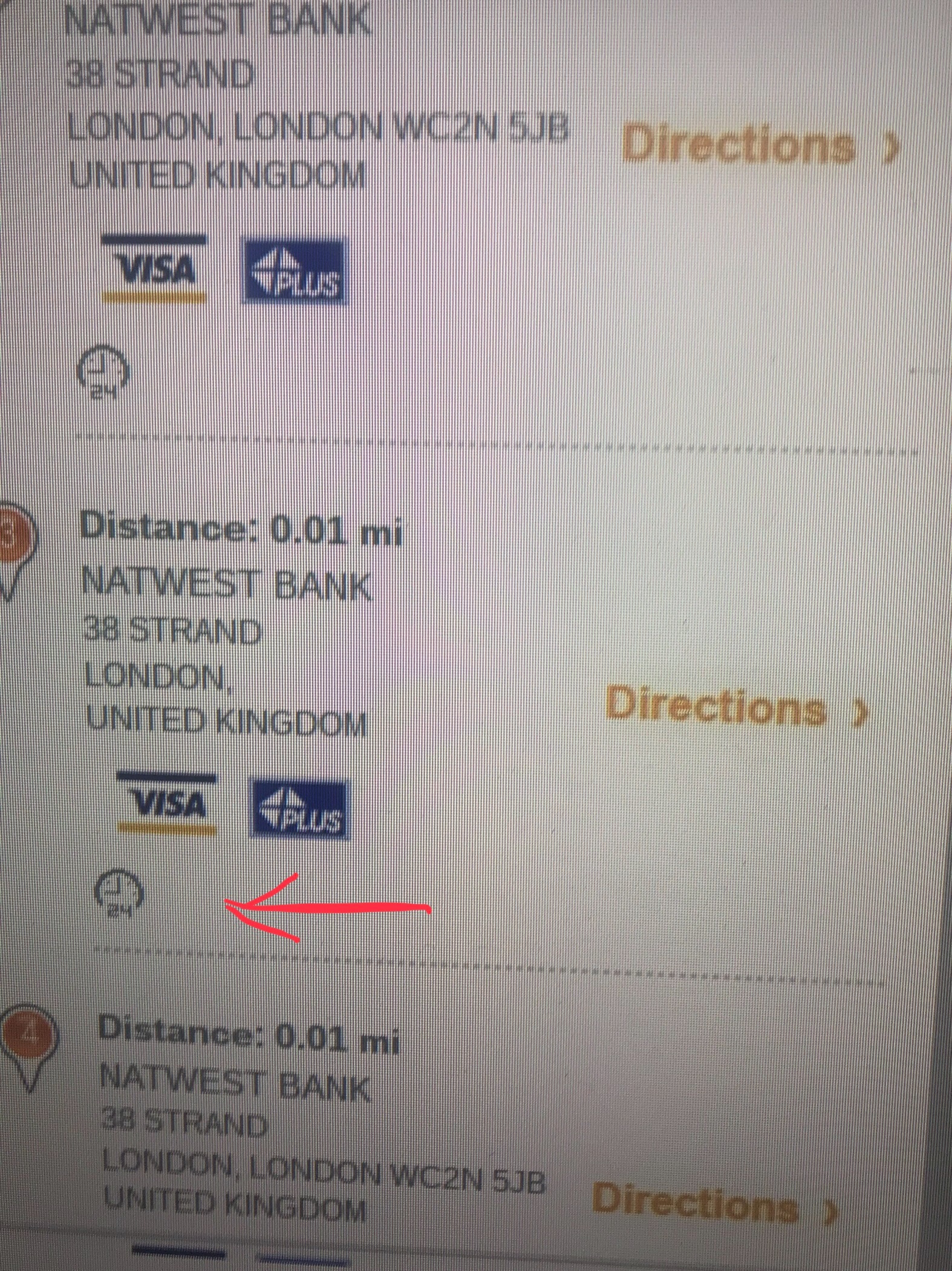
A little patience and here is the ATM we need:
We take a person and drag him onto the map, blue lines show areas where there are photos of the area, and blue circles show the locations of the photos.
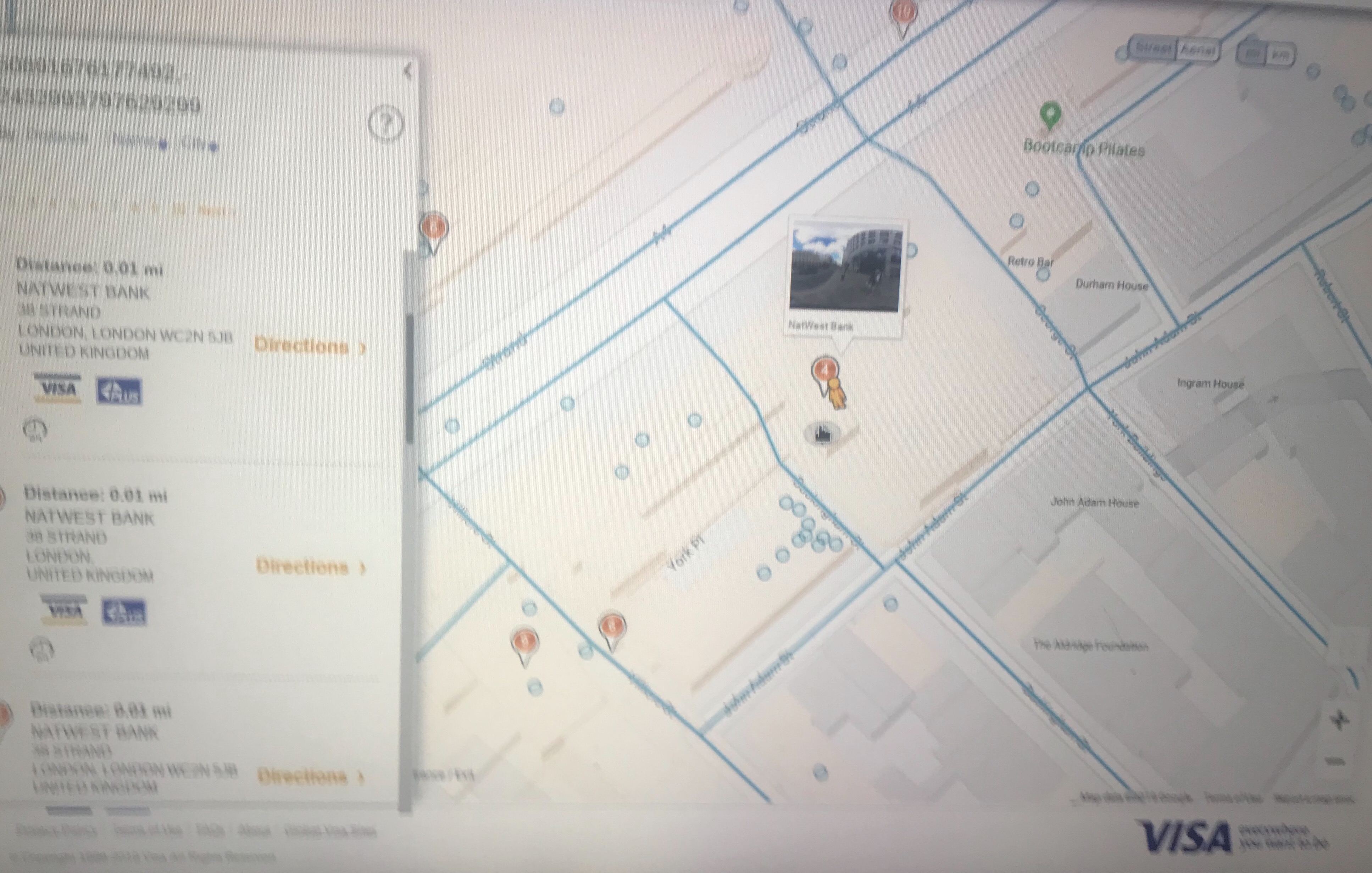
Not all cities and countries have detailed photos of the areas, but in Europe there are enough.
It will be useful to study the area, look at the approaches to the ATM, in some photos you can see the location of the cameras (after all, in this way you can study ATMs for the installation of a skimmer), also make sure that there really is an ATM there, since it can be a bank office, their locator also displays as chipless ATMs.
And here we are:
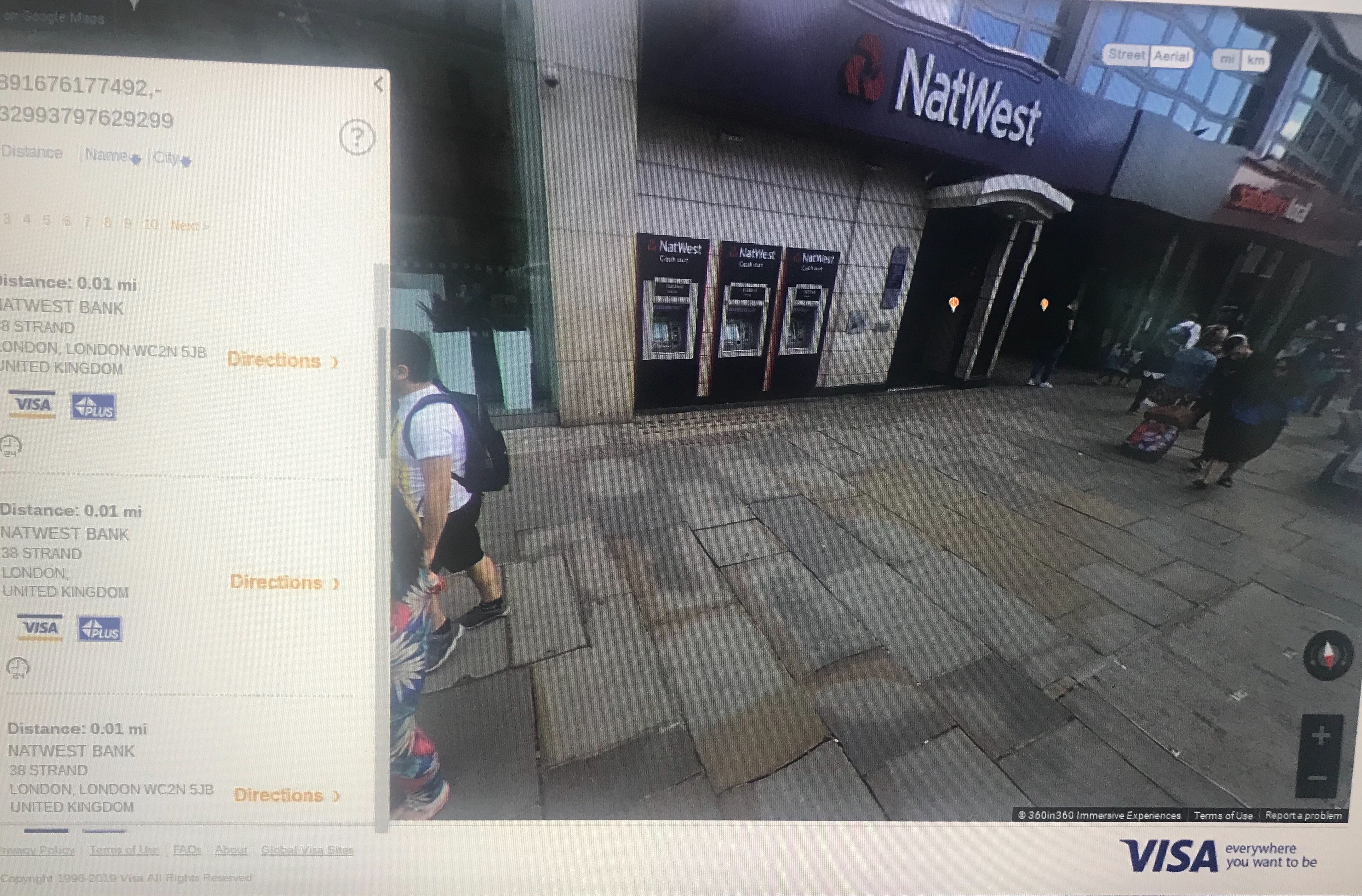
Now you can go and check the ATM for a chip reader using old-fashioned methods. Of course, not all the information is up-to-date, sometimes there are ATMs on the map, but when you open a photo from the area, they are no longer there. You can also find an ATM with a chip reader, although the site shows that it does not have one. But with this method, you can significantly reduce the time it takes to search by foot.
Other payment systems also have similar locators, you can cross-check on several locators, which will increase the chances of finding the boxes we need.
Good luck in business.
On various carding forums you can find a lot of advice on how to search for such ATMs, but they all boil down to the fact that you need to run and search.
Let the youth run, it is very good for their health, so we will do this without leaving the computer and sipping morning coffee.
Of course, the method described in the article will not give you a 100% result, but it will reduce your running to a minimum.
So let's go.
We need the site https://www.visa.com/locator/atm
With its help, we can search for ATMs that work with the Visa payment service provider, but it also shows other useful things, such as working hours, PIN code change, voice assistant and many others, as well as the most important information for us is the existence or absence of a chip reader.
And so we go to the site and enter the city we are interested in. For example, I took London.
As you can see, there are filters on the top panel that you can use to search for ATMs, make sure they are disabled.
The map displays ATMs, if you hover your mouse over it, a hint window will appear, where all the functionality of the ATM will be indicated.
But I prefer to search in the left column.
Here you can see that the ATM has a chip reader:
A little patience and here is the ATM we need:
We take a person and drag him onto the map, blue lines show areas where there are photos of the area, and blue circles show the locations of the photos.
Not all cities and countries have detailed photos of the areas, but in Europe there are enough.
It will be useful to study the area, look at the approaches to the ATM, in some photos you can see the location of the cameras (after all, in this way you can study ATMs for the installation of a skimmer), also make sure that there really is an ATM there, since it can be a bank office, their locator also displays as chipless ATMs.
And here we are:
Now you can go and check the ATM for a chip reader using old-fashioned methods. Of course, not all the information is up-to-date, sometimes there are ATMs on the map, but when you open a photo from the area, they are no longer there. You can also find an ATM with a chip reader, although the site shows that it does not have one. But with this method, you can significantly reduce the time it takes to search by foot.
Other payment systems also have similar locators, you can cross-check on several locators, which will increase the chances of finding the boxes we need.
Good luck in business.
Last edited by a moderator: